Get the plugin
Get it on Fab.
Unreal Engine 5 · full C++ and shader source. Questions or studio & multi-seat licensing: aaanextgenfactory@gmail.com.
Pixel-level cel-shading — broken down into the renders you'd ship, the
ACelshadingVolume field that drives each one, and the matching
r.Celshading.* CVar.
Lumen GI, shadow maps, exponential height fog, volumetric fog and volumetric lights all feed into the cel-shaded output. The pass reconstructs and re-applies fog around quantization so colors stay clean. No GBuffer override, no PostProcess-Material double-fog hack.
Two targeting modes. Set CustomDepth Stencil Value on a mesh component (any slot 1..255)
to opt that actor in. Or flip bAffectWholeScreen to skip per-actor setup entirely
and process every visible pixel.
Each ACelshadingVolume can drive the level's atmosphere while the camera is inside
its bounds — three independent channels in one actor:
Every field is individually opt-in via its bOverride_* bit and follows the same
SpatialFalloff as the rest of the volume. When the camera leaves every overriding
volume, the level's own sun, sky and fog values come back.
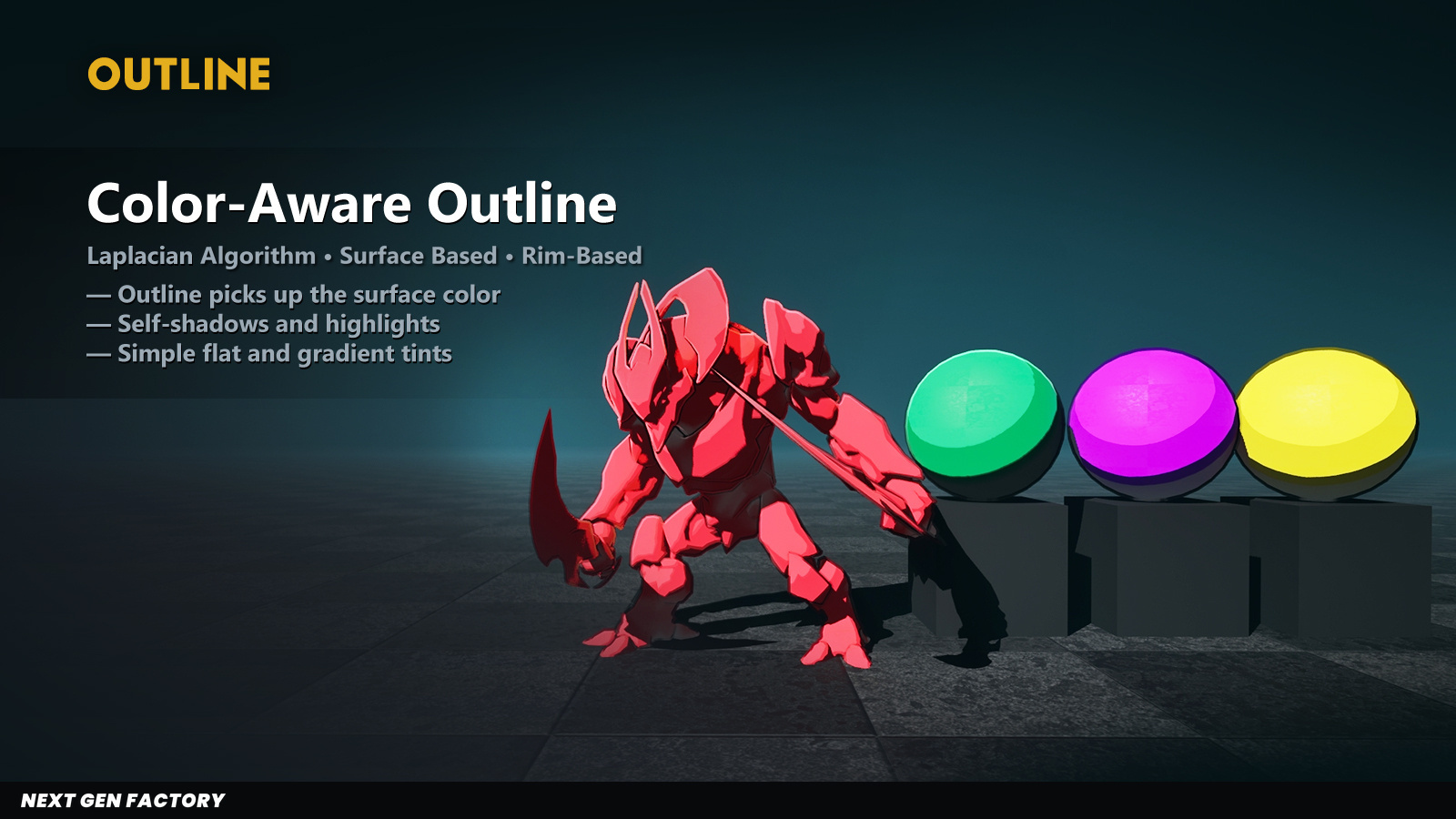
Adaptive Laplacian outline INSIDE the silhouette (creases, depth jumps) plus an optional
OUTSIDE halo wrapping the actor. The inside outline can color-tint by the underlying surface
(anime self-shadow line look). The outside halo runs as a second compute pass that samples
the cel-shaded silhouette pixel directly, so it carries every internal effect — band
quantization, SpecularHighlightColor blik, rim glow, fog - as a single line
around the actor. Zero cost when off (OutsideOutlineThickness=0):
second pass is not dispatched.
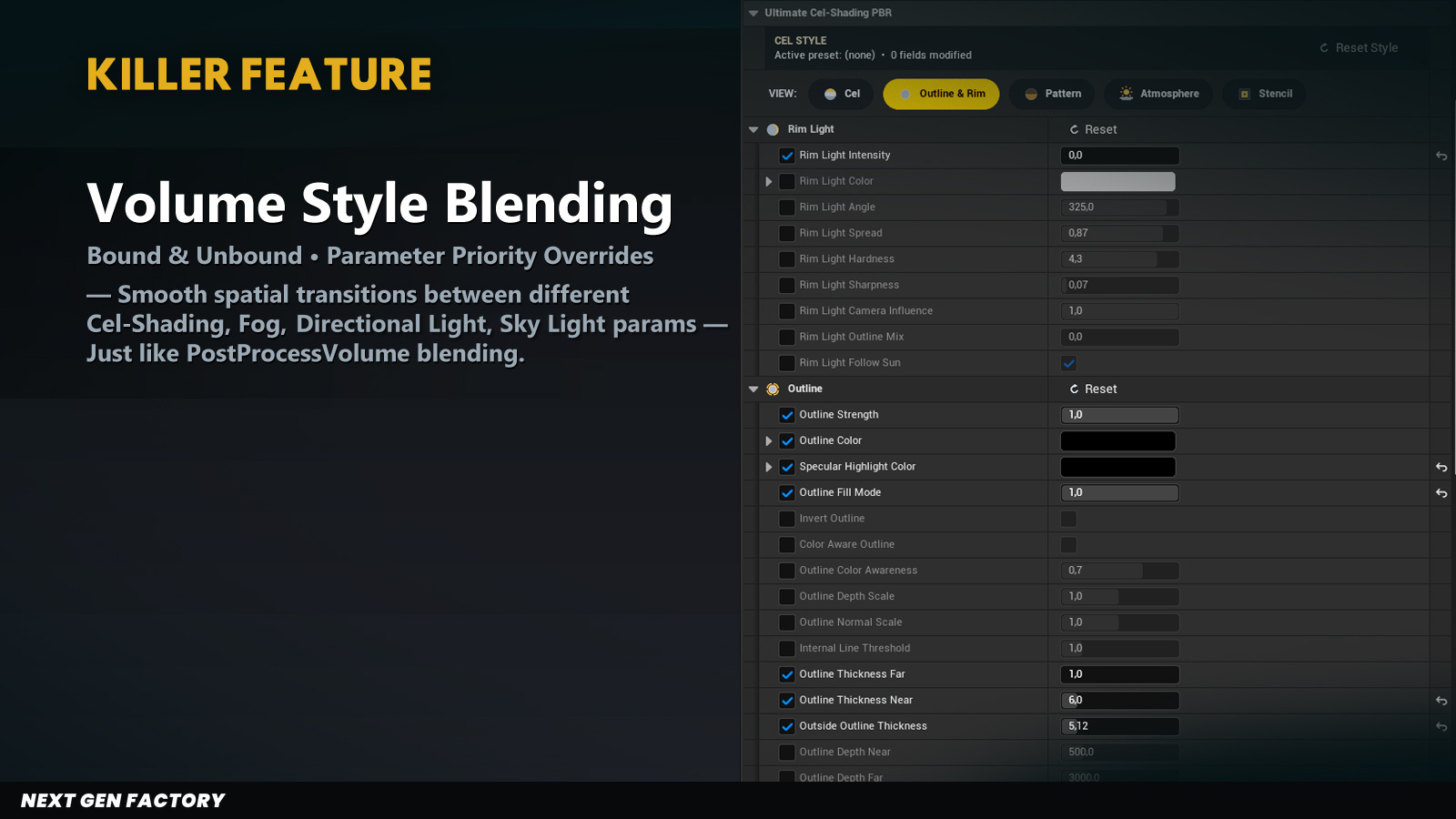
Drop ACelshadingVolume actors. Bounded volumes use a smooth SpatialFalloff
around their box; overlapping volumes sort by BlendPriority and blend per-field. The
workflow mirrors PostProcessVolume — the same mental model your art team already uses.
The cel pass treats different surface types as different surface types. Two dedicated response paths preserve material identity through quantization:
1 − EmissiveMask into the
Ambient Occlusion output — the cel pass reads it as
the emissive marker, so no GBuffer override or extra texture is required — or lower the
brightness cutoff to catch very bright pixels automatically. A multiplier sets the glow
strength, and a dark-side boost keeps emissives readable when they sit in shadow.Both paths are optional and per-zone — you can mix matte cel surfaces, glossy cel metals and glowing cel emissives in the same volume.
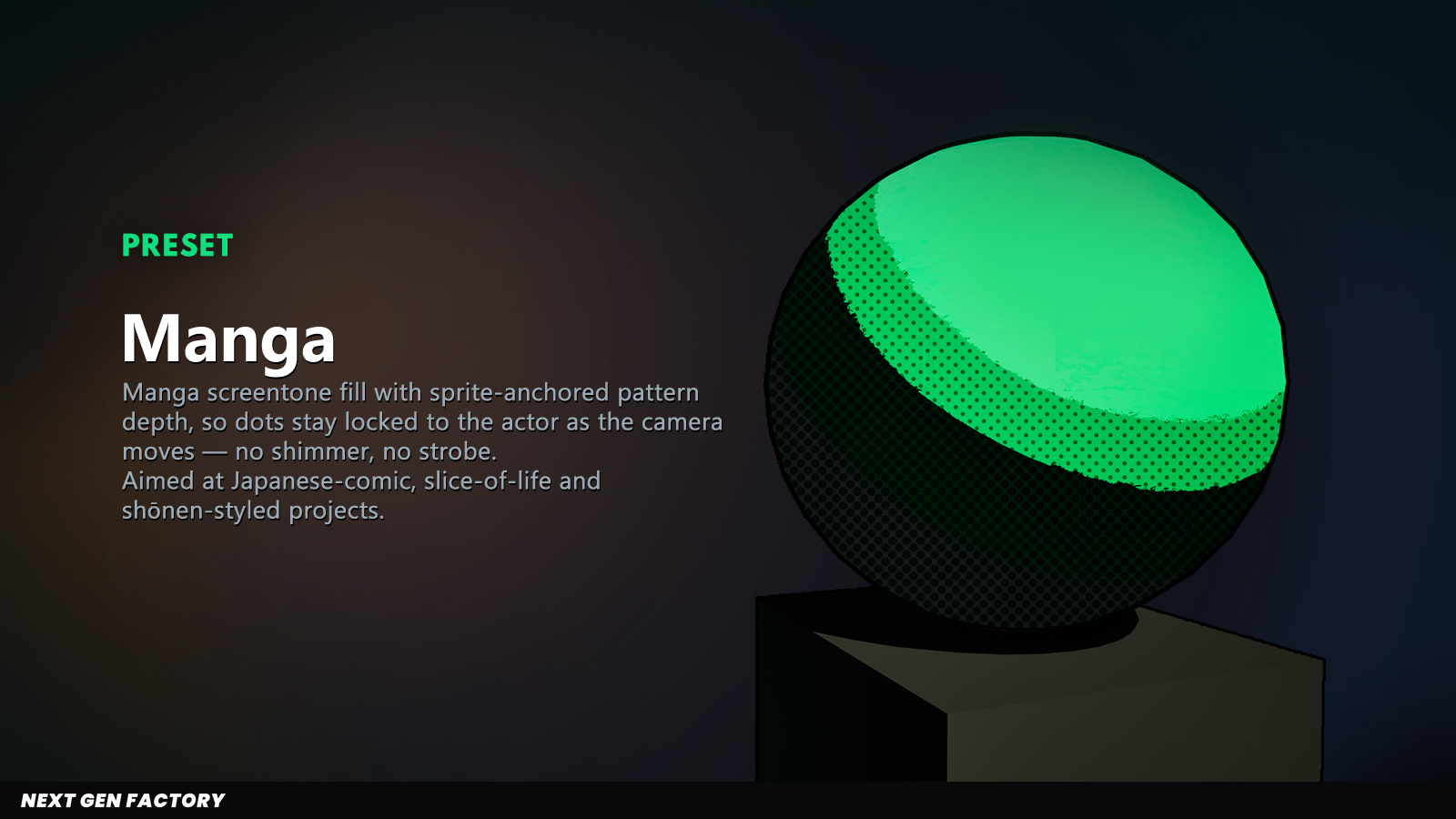
Manga-style dot overlay. A regular dot grid is drawn over the cel-shaded fill — dots grow in shadow areas and fade out in the lit zone. Configurable cell pitch, angle, threshold, softness, opacity and color. Branch on the master toggle is GPU-uniform, so the entire block costs zero when disabled.
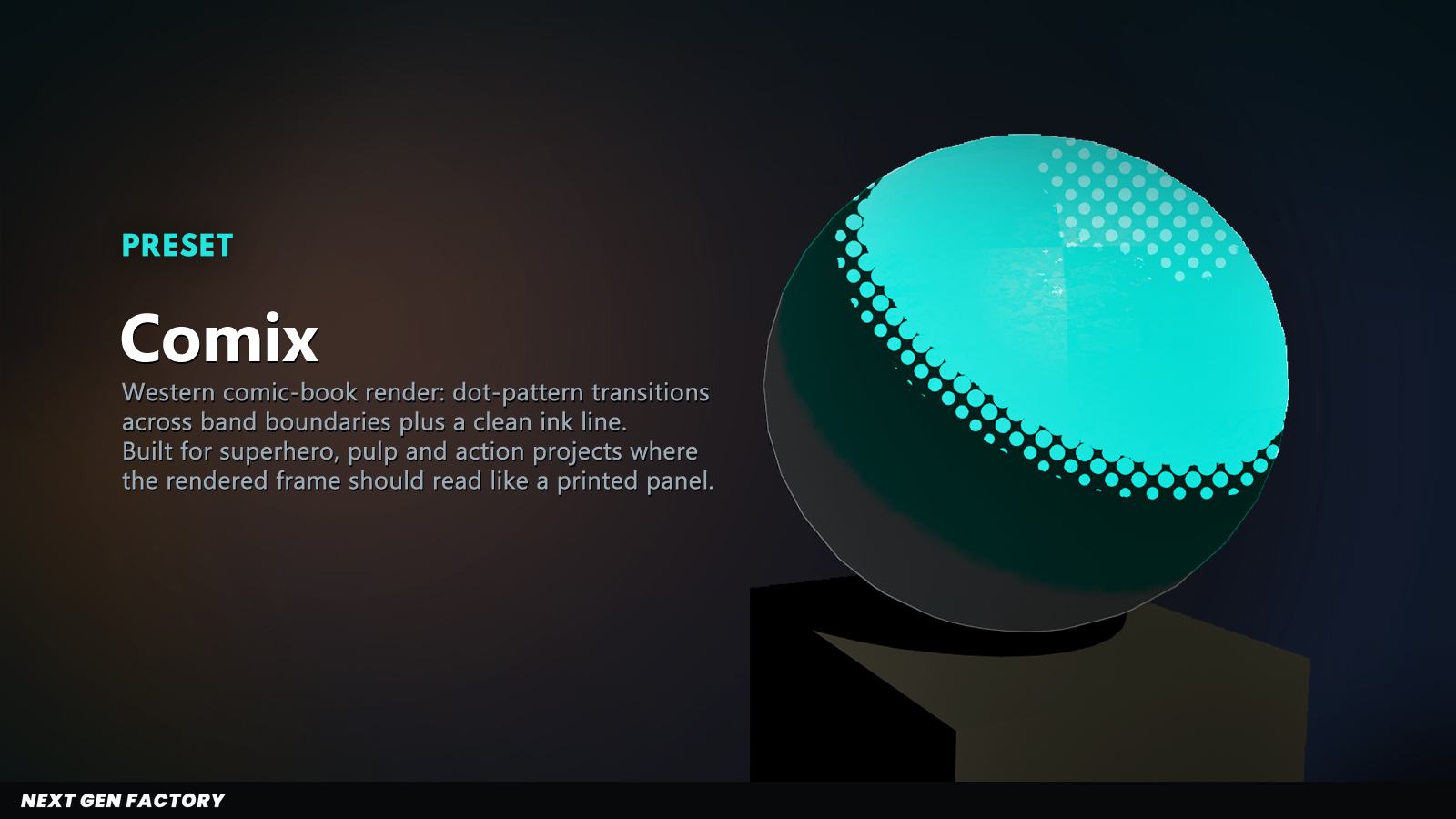
Comic-inspired ink mask along the band transitions. A screen-space pattern biases each pixel's
brightness up or down by up to one band's width — pixels right at a band boundary are pushed
stochastically to lit or shadow, producing classic comic-book ink in place of crisp cutoffs.
Different from Halftone: this modifies the band assignment itself, not an overlay on top.
Dial BandDitherStretchX from 1 (DOTS) to 5+ (STROKES),
rotate via BandDitherAngle (45° = classic comic ink direction), and dial
BandDitherSoftness from 1 (soft halftone) to 0 (hard pixel edges).
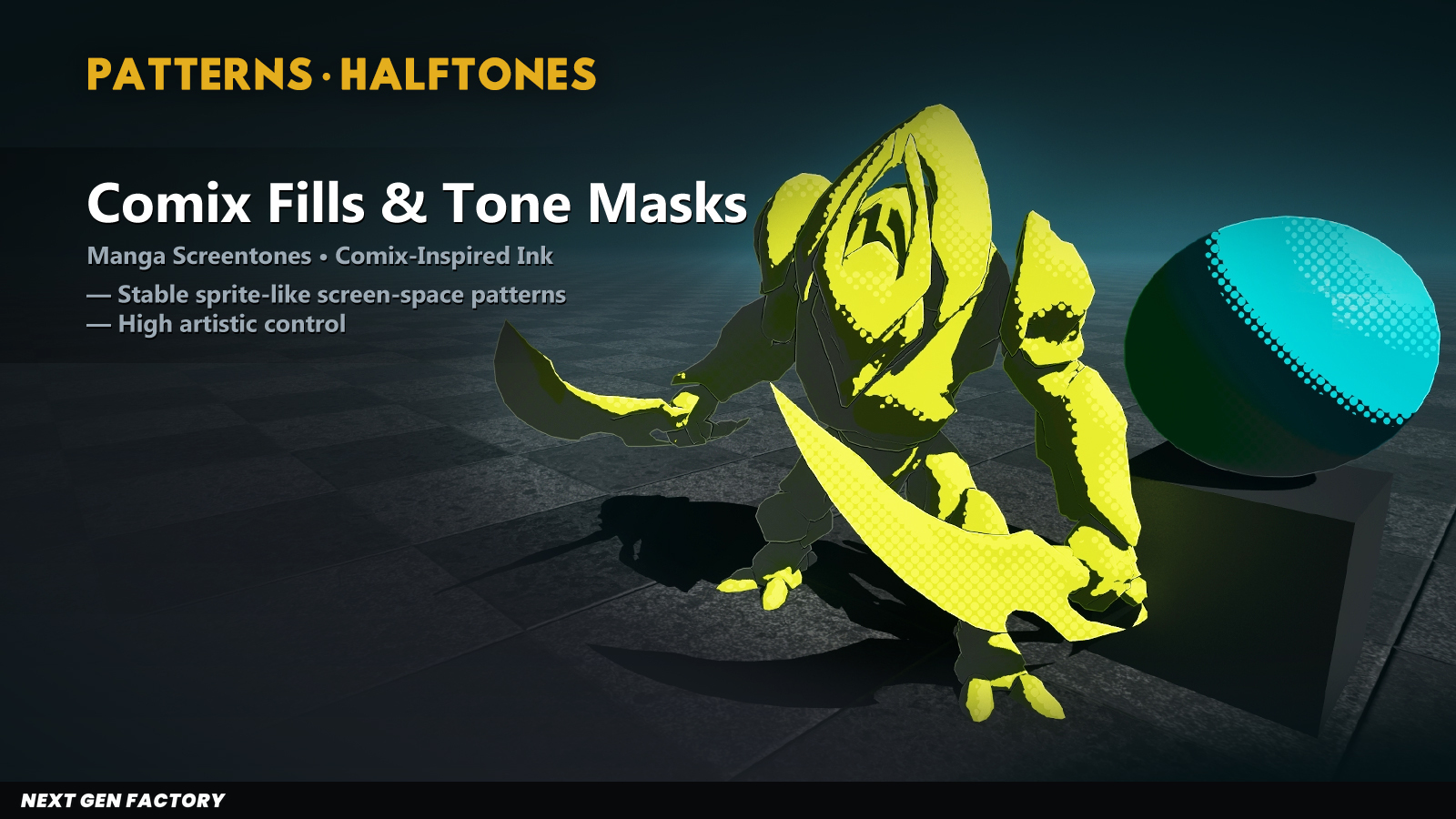
Pattern Depth Reference (sprite-anchor): by default, Halftone + Band Mask cells are screen-fixed (constant pixel size at any distance). Assign an Actor to the volume's PatternDepthReference and the pattern behaves like a billboard sprite locked to that actor's pivot — the cell grid tracks its projected screen position AND zooms outward from its centre as you approach. Strobe-free across the whole stencil slot.
Directional screen-space rim. Configurable cone width, hardness, sharpness, and Fresnel weighting. Optional sun-anchored mode — the rim follows the level's directional light direction projected to view space. Optional outline-mix gates rim by the toon outline edge mask for "rim along the line-art" looks.
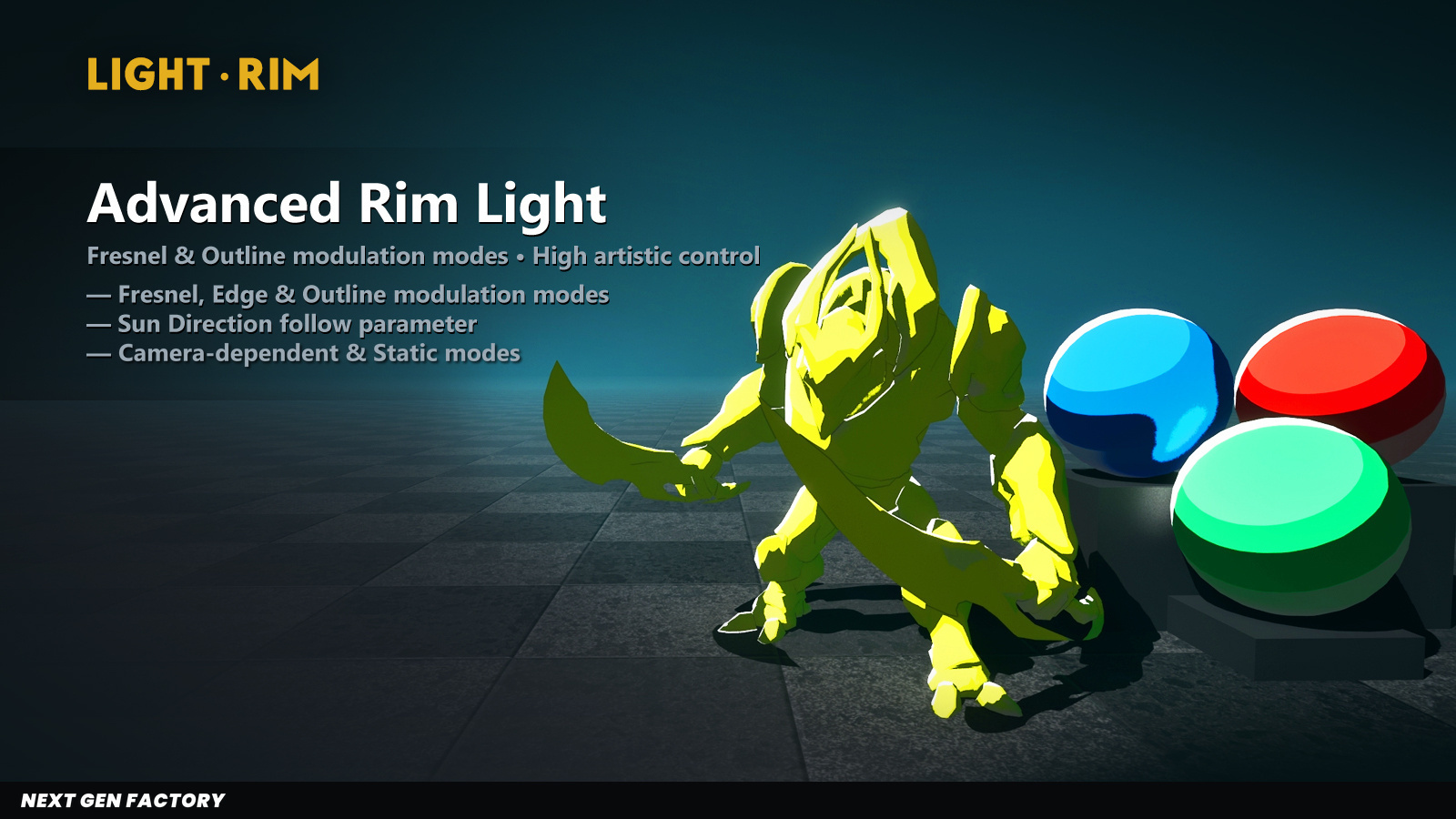
The rim's fade-out, redrawn as classic comic-ink halftone. A solid crisp contour hugs the silhouette exactly like before — but its transition into transparency is replaced with size-modulated halftone dots that shrink geometrically as the rim falls off. This is true halftone, not a faded overlay: every pixel is either fully rim or fully empty, and it's the dot radius that scales with the fade — never the opacity. The look is the manga / comic "ink-pen rim" that printed comics use to terminate light edges without going to a soft gradient.
Two parameters, three regimes.
RimDitherSolidEdge (0..1) controls how wide the un-dithered solid contour
is, measured in geometric silhouette-distance (1 − NdotV) so the result is
independent of RimLightHardness and Fresnel exponent — set 0 for full
halftone gradient across the whole rim, set 1 to keep the rim entirely solid (effectively
disabling the halftone for that volume).
RimDitherSoftness (0..1) controls both the dot edge
sharpness and the solid↔dithered boundary width with one knob: 0 gives
razor-crisp ink circles with an instant solid edge (true comic ink), 1 gives a soft halftone
falloff with a wide blend. Independent from BandDitherSoftness so the body and the
rim can have different edge styles in the same volume.
Works at RimLightSharpness = 0. The fade-out signal is sampled
before the optional sharp step() cutoff, so it stays graduated even when
the visible rim is binary. This is the key sanity check that earlier "dither + sharpness" tries
fail: smooth gradient rims and stepped rims both transition cleanly. Reuses the screen-space
cell grid from bBandDither (pattern, scale, angle, stretch, sprite
anchor are all shared with body dither, so the body's ink and the rim's ink animate together) —
zero extra texture loads, no second pattern to tune.
TAA-stable. Dot radius is driven by 1 − NdotV (a per-pixel
geometric value) and cell distance (deterministic from integer pixel coords). No discrete
decision branches, no Side selection — no source of frame-to-frame jitter that
could cause strobing under temporal AA.
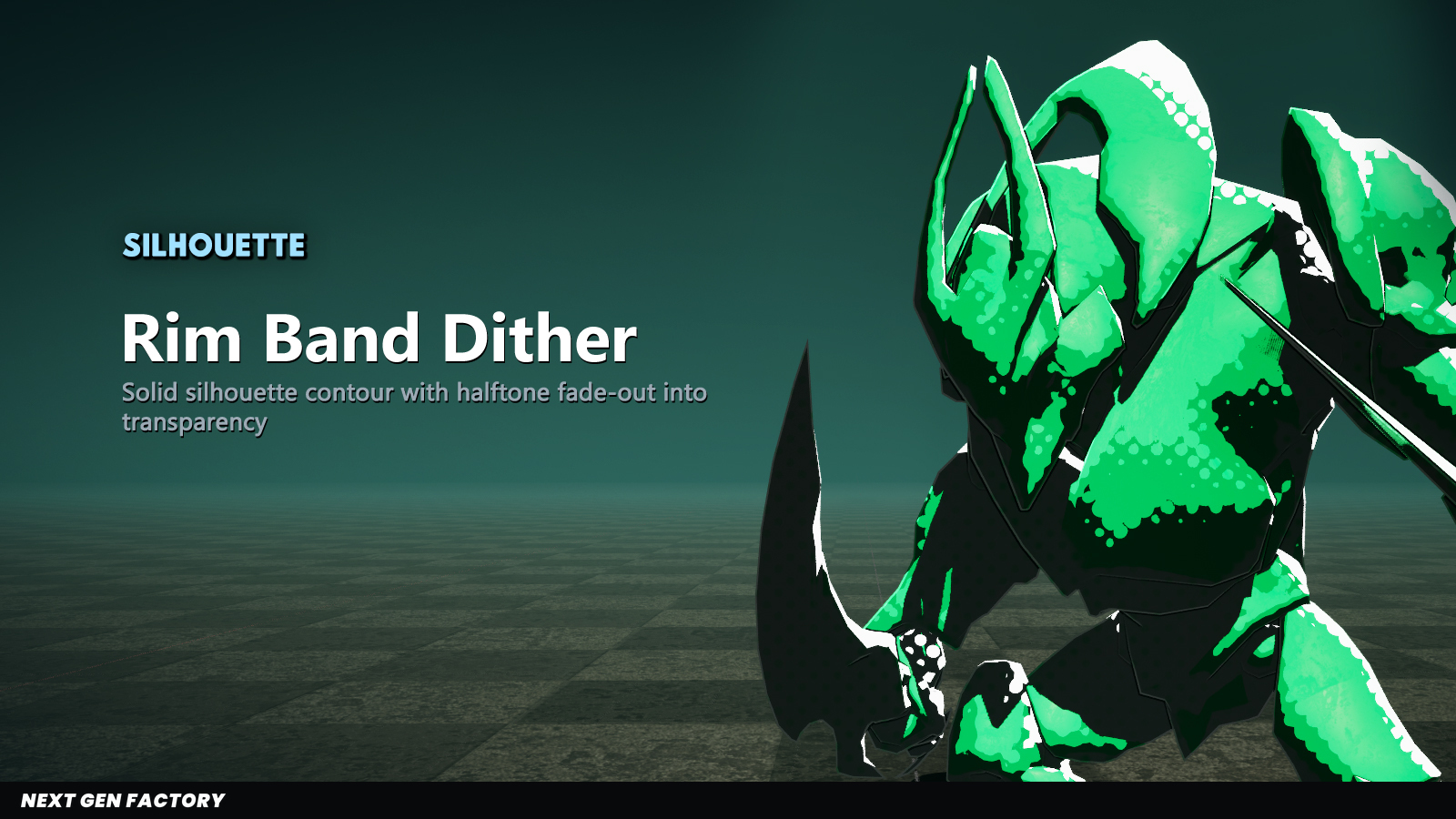
Algorithm in one line: FadeProgress = saturate((1 − NdotV) / (1 − SolidEdge)) drives a circular dot of radius = MaxRadius × FadeProgress; pixels with CellDist < radius get the full rim contribution, pixels outside the dot get none. The solid contour is just the saturation plateau where FadeProgress = 1 covers the whole cell. No opacity modulation, no quantizer dependency, no hidden state — what you see is a screen-space dot mask whose radius traces the rim's geometric fade.
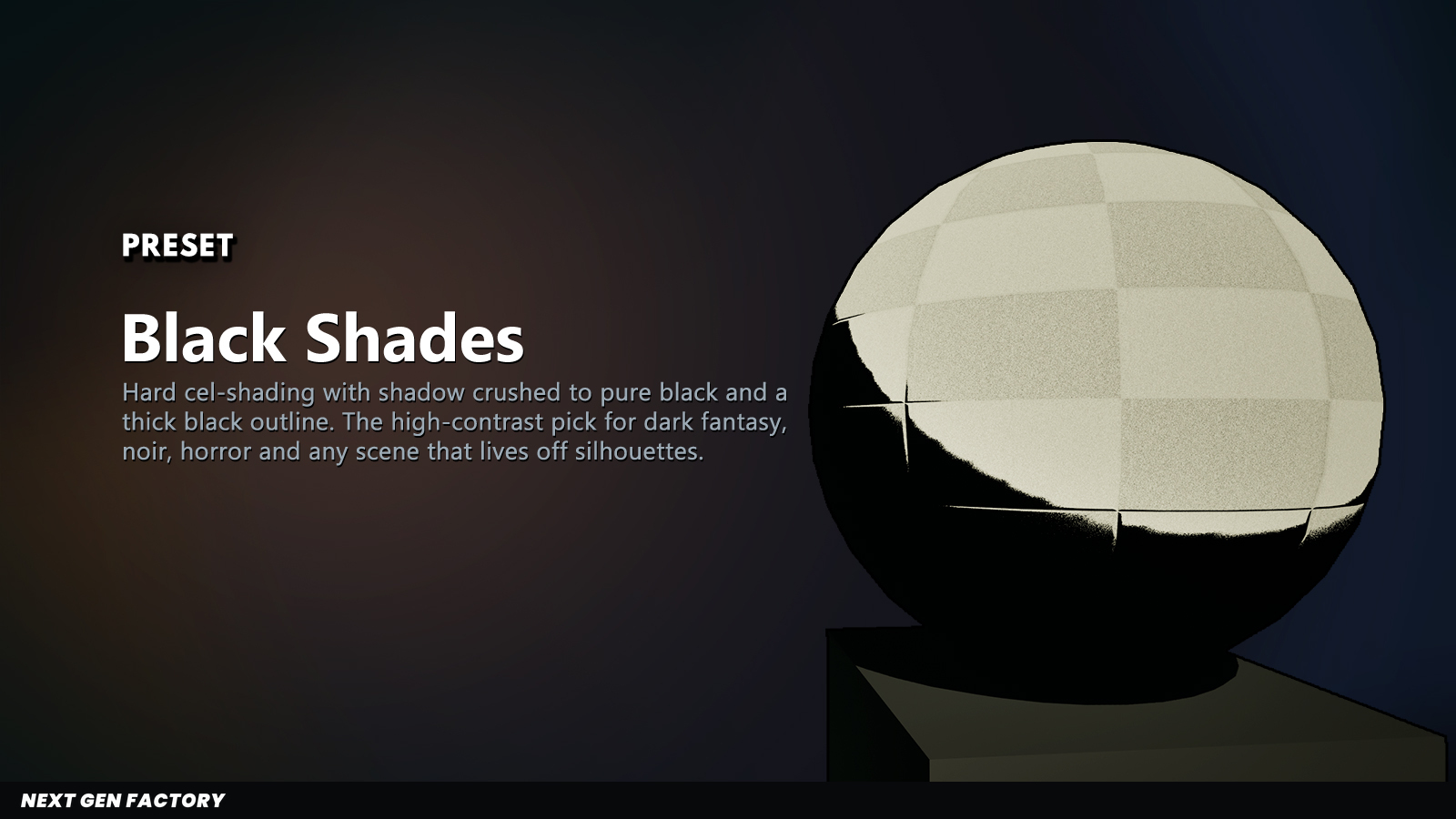
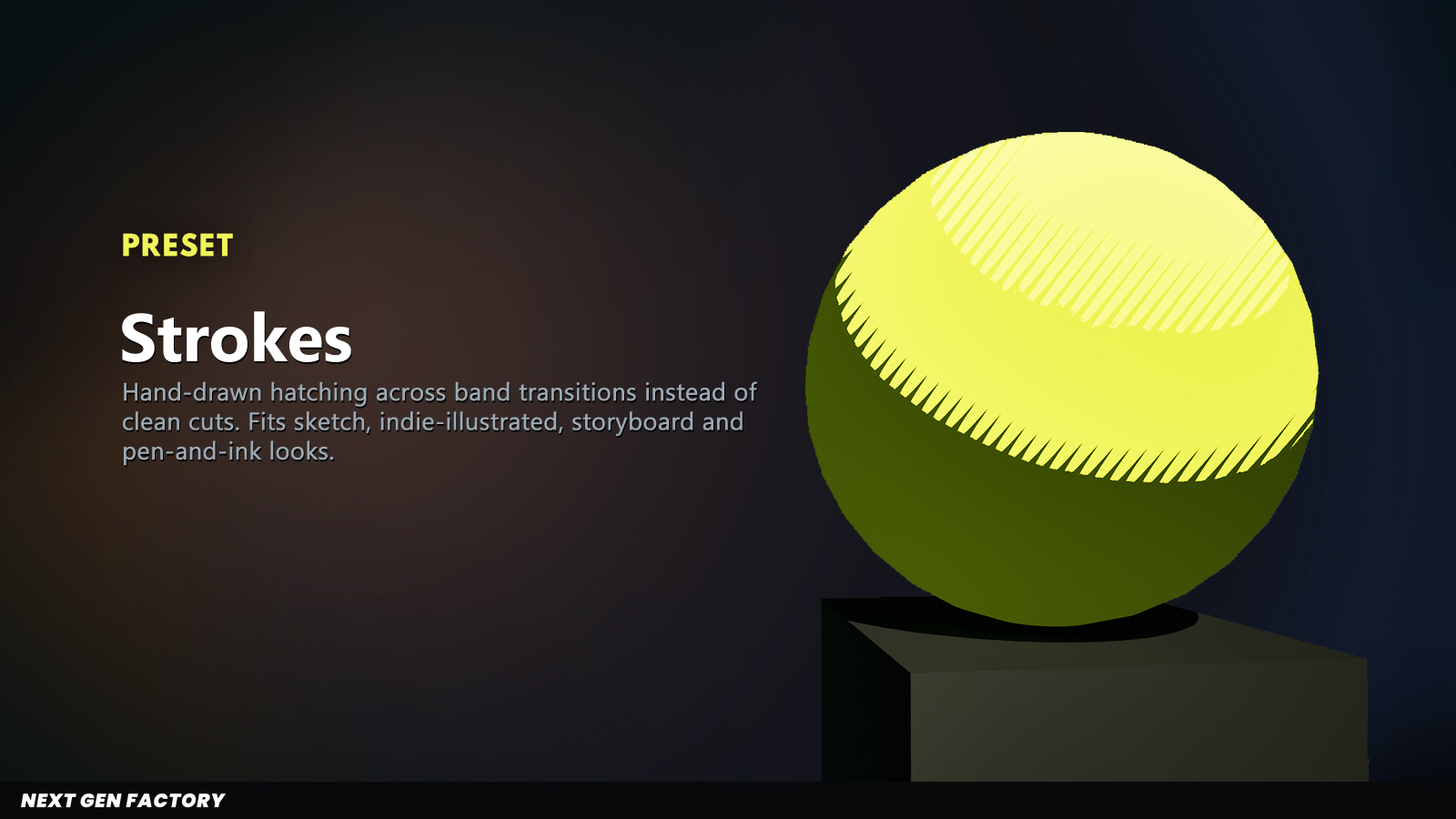
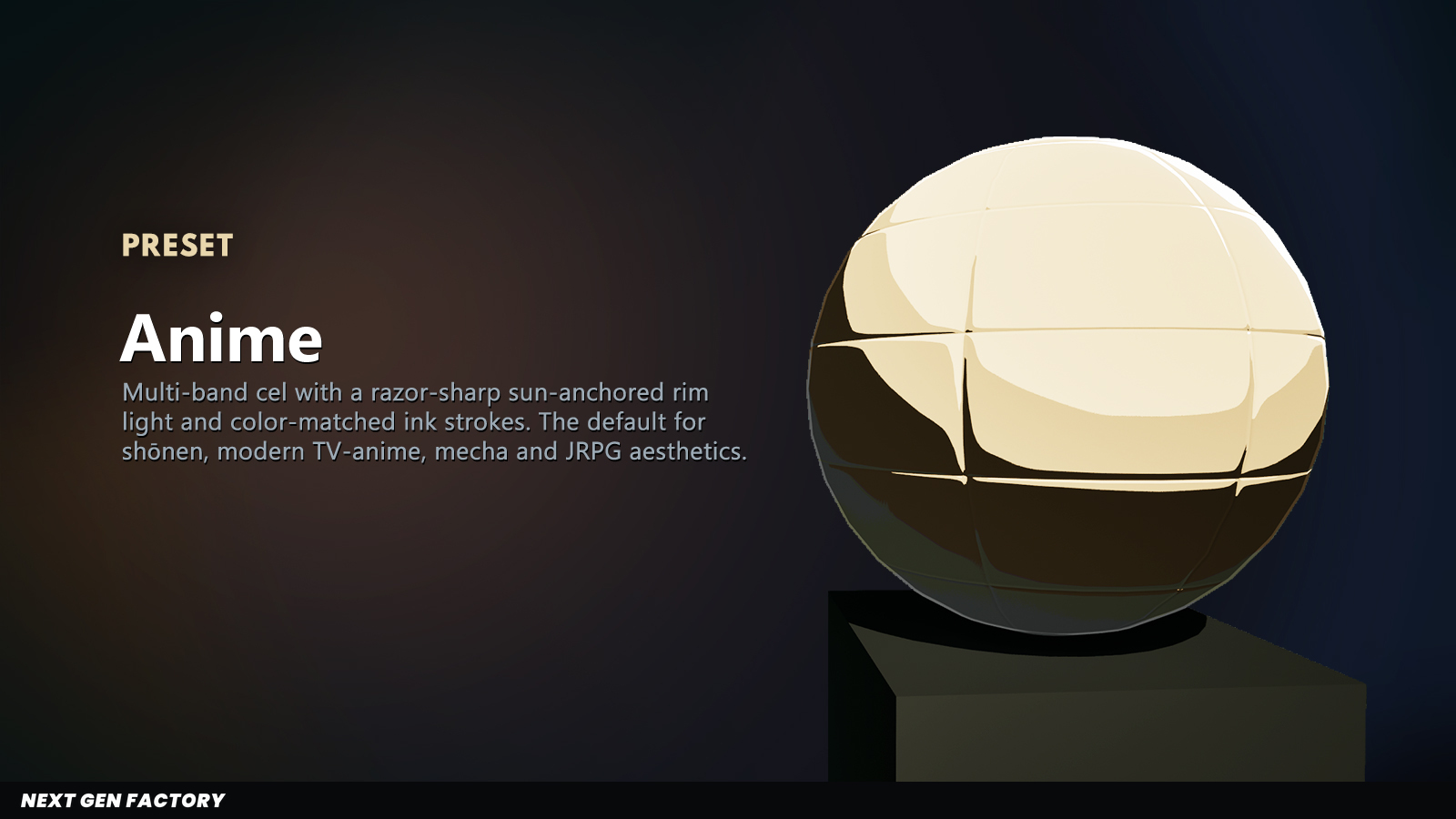
Five UCelshadingPreset DataAssets ship in the plugin. Each captures a complete look:
band count, shadow curve, outline, rim, color tinting. Apply directly via the volume's
Active Preset field, or fork and re-save your own.
One compute dispatch per active stencil slot (any of 1..255 — pay only for what you populate). Empty slots cost zero, and inside a pass the pixels that don't carry the slot's stencil value exit early. Cost scales with resolution and the number of active slots — and it has its own row in the GPU profiler, so you see exactly what you spent on your target hardware.
Engineered against the post-opaque RDG path, profiled per-pass on consumer GPUs, hardened across UE point releases, and shipped with the full C++ and USF source so your team can audit, profile and extend it on its own terms.
Unreal Engine 5 · full C++ and shader source. Questions or studio & multi-seat licensing: aaanextgenfactory@gmail.com.